Server Logger Levels
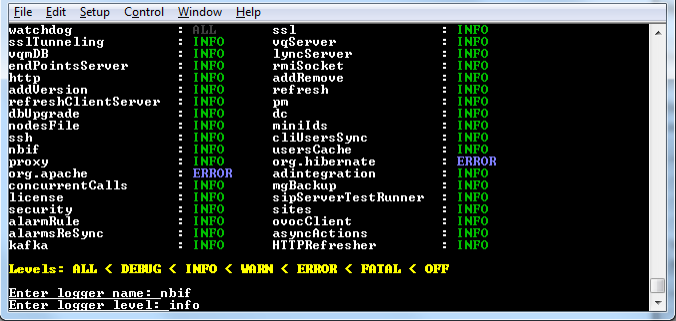
This option allows you to change the log level for the different OVOC server log directories.
After completing the debugging, revert to the previous configuration to prevent over utilization of CPU resources.
| ➢ | To change the <tc> server logger level: |
| 1. | From the Diagnostics menu, choose Logger Levels. |
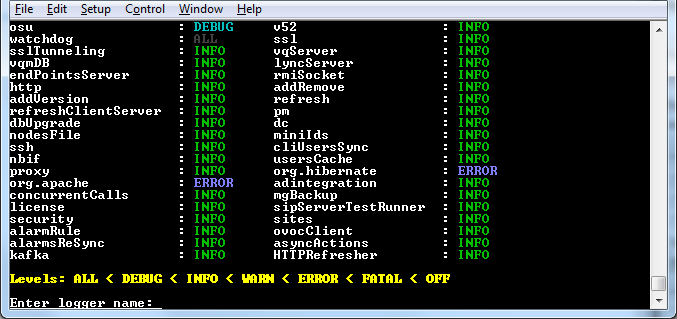
| 2. | Enter the name of the log whose level you wish to change. |
| 3. | Enter the desired logger level. |
| 4. | Select Yes at the prompt to confirm the change. |
Server Logger Name and Level